
The Visual Hook of 2026
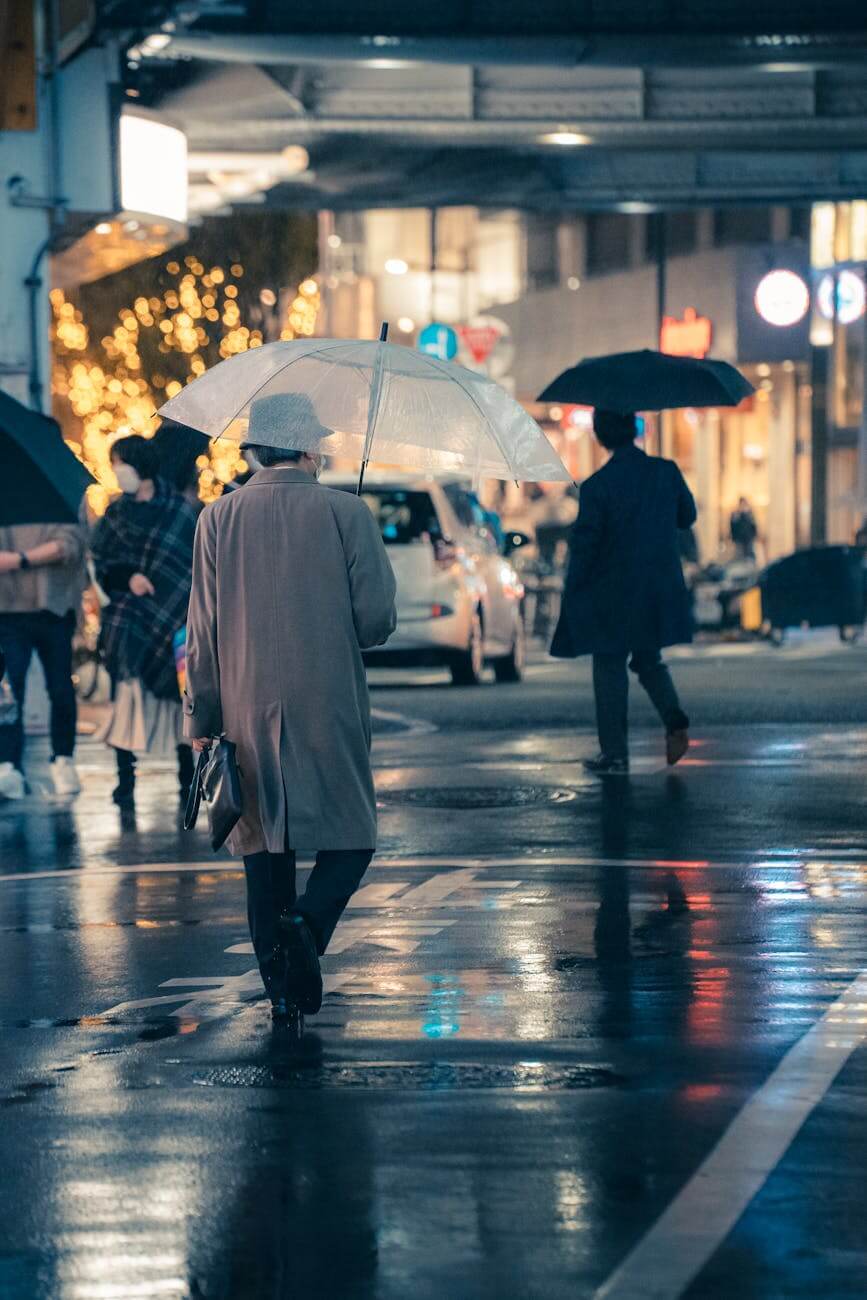
In the Modern Craft, we are often told that “a book is judged by its cover.” That was true in 2024. In 2026, a book is judged by its vibe. Readers scrolling through their feeds aren’t looking for a blurb; they are looking for an entrance into a world. They want to see the rain, hear the hum of the city, and feel the “Grit” before they even click the “Buy” button on your Boutique Storefront.
The rise of high-fidelity AI video models has given the Autonomous Creator a superpower: the ability to generate Hollywood-level teasers for the cost of a few prompts. You no longer need a marketing budget of thousands to create a trailer. You only need a vision and the right Toolbox.
Heads up: Some of the links below are affiliate links. If you buy something through them, I get a small commission at no extra cost to you. It helps keep this site running and the coffee brewing. Thanks for the support!
The 2026 Video Toolkit: Choosing Your “Director”
We have moved past the era of shaky, morphing AI videos. Today’s models handle consistency, lighting, and “Cinematic Weight” with surgical precision.
| Tool | Best For | Why it Works for Noir |
| Google Veo | High-Fidelity & Realism. | Exceptional at cinematic lighting and 1080p+ resolution. |
| Runway Gen-3 | Creative Transitions. | Great for “Dream-like” or “Glitch” sequences common in Neon Noir. |
| Luma Dream Machine | Action & Pacing. | Handles movement (car chases, running) with incredible stability. |
| Kling AI | Long Sequences. | Allows for longer, continuous shots (up to 10 seconds) for deep immersion. |
The Workflow: From Prose to Pixel
You shouldn’t just ask the AI to “make a trailer.” You need to be the director. Use the Architecture of Silence to guide your visual storytelling.
- The Sensory Script: Don’t write a plot summary. Write a list of 5-7 “Atmospheric Beats.” (e.g., A flickering neon sign, a hand reaching for a door, steam rising from a subway grate).
- The Prompt Engineering: Use cinematic terminology. Instead of “a city,” use “Cinematic wide shot, low angle, 35mm film grain, anamorphic lens flares, heavy rain, teal and orange color grade.”
- Consistency is Key: Use “Character Reference” features (available in most 2026 models) to ensure your protagonist looks the same in every shot.
- The Soundtrack: Use Lyria 3 or Udio to generate a dark, pulsing synth score that matches your Urban Soundscape.
Distribution: Where to Deploy the Atmosphere
A cinematic teaser is a high-value asset. Don’t just dump it on a social media feed and hope for the best.
- The Shopify Landing Page: Place the video at the top of your book’s product page. It instantly justifies a Premium Price Point by making the book feel like a “Major Release.”
- The “Cinematic” Newsletter: Embed the trailer in your 5-Minute Newsletter launch announcement. It’s the ultimate “Pattern Interrupt” for your readers’ inboxes.
- Vertical Teasers: Re-cut your 16:9 trailer into 9:16 for TikTok and Reels. Focus on the most “aesthetic” 5 seconds to hook the “Flâneur” scrollers.

Avoiding the “AI Uncanny Valley”
To keep your Professional Brand intact, you must ensure the video doesn’t look “cheap” or overtly AI-generated.
- Less is More: Use slow-motion and static shots. The more complex the movement, the more likely the AI is to produce a “Logic Glitch.”
- Film Grain & Textures: Adding a layer of real film grain or “noise” in post-production (using DaVinci Resolve or CapCut) masks the digital smoothness of AI and makes it feel like “Real Cinema.”
- Text Overlays: Use high-end, minimalist typography. A well-placed title can cover minor AI imperfections and ground the video in your brand’s aesthetic.
[Want to make sure your video’s “Ghost” matches your book’s characters? Revisit: The Architecture of Character.]
My Take: The End of “Just an Author”
I remember when I released my first 15-second teaser for an Independent Project. People didn’t ask “Is this a book?” They asked “When is the movie coming out?” That shift in perception is everything.
By using these tools, I’m not just a writer; I’m a world-builder. I’m giving my readers a sensory experience that bridges the gap between the page and the screen. It makes the Modern Craft feel larger than life. In 2026, the authors who survive are the ones who realize they are in the “Experience Business,” not just the “Word Business.”
[Mastering DaVinci Resolve – The best free tool to edit your AI clips into a professional trailer. Check out this guide on Amazon.]

FAQ: The Video Protocol
1. Is it too time-consuming?
Initially, there is a learning curve. But once you have your “Prompt Templates” for your specific Urban Noir style, you can generate a full teaser in a single afternoon.
2. Do I need a powerful computer?
No. Most of these tools (Veo, Runway, Luma) are cloud-based. You can direct your “movie” from a standard laptop or even a tablet.
3. What about copyright?
In 2026, most pro-tier AI tools give you full commercial rights to the output. However, always check the “Terms of Service” to ensure your Independent Brand is protected.
Final Thought: Claim Your Premiere
The world is a stage, and you are the director. Don’t wait for a studio to option your book. Use your Toolbox to show the world what your vision looks like right now.
Generate the rain. Pulse the neon. Start the music. When you turn your prose into a cinematic experience, you aren’t just selling a story—you are inviting the reader to a premiere where they hold the front-row seat.
Leave a Reply